Organise Your Pictures
Create folders for holidays, birthdays and everyday moments. Clear names and tags make larger collections easier to navigate.
Learn More
Learn More




No credit card required.


Keep pictures in your account and choose which folders or albums to share.

Enable two-factor authentication and use a strong password to protect your collection.

Send a link to selected pictures instead of emailing large collections.
Learn about your allowance, mobile uploads, sharing settings and backup choices.
Create your free 5GB account, sign in and upload a few pictures. Name folders by date, occasion or subject so you can find them again. Check your first uploads before adding more. Permafiles manages the Nextcloud hosting, so you do not need to install a server.
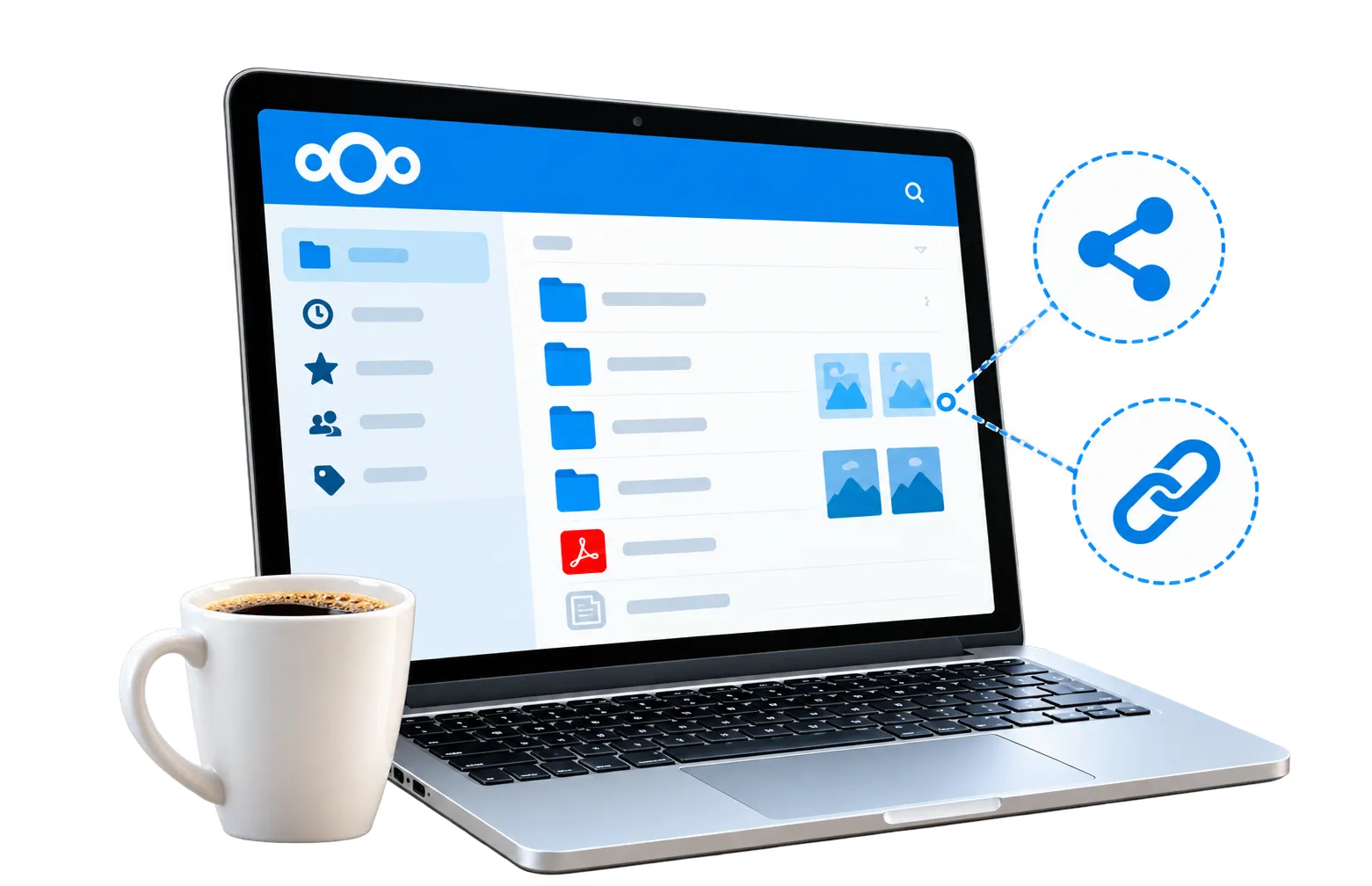
Open your pictures in a browser or use the mobile app when you are away from your computer.
Use Nextcloud desktop and mobile apps to upload selected files and access your pictures across devices.

Keep albums private until you share them. Review permissions, passwords and expiry dates before sending a link.
Your free account includes 5GB shared between photos, videos, documents and other files. It is a storage allowance rather than an unlimited photo plan.
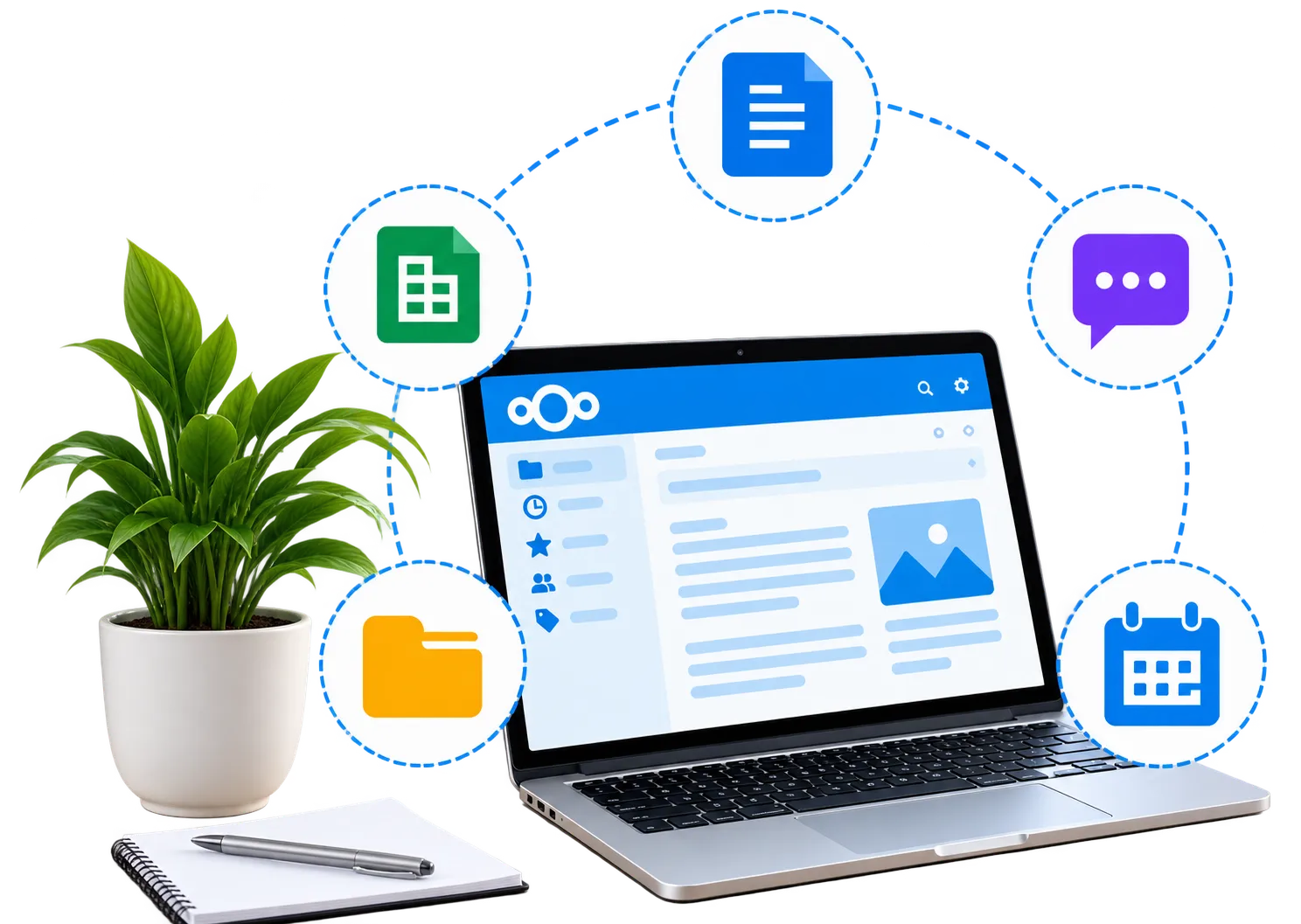
Nextcloud also includes tools for documents, messaging and media. Files you store with these tools use the same account space.
Create folders for holidays, birthdays and everyday moments. Clear names and tags make larger collections easier to navigate.
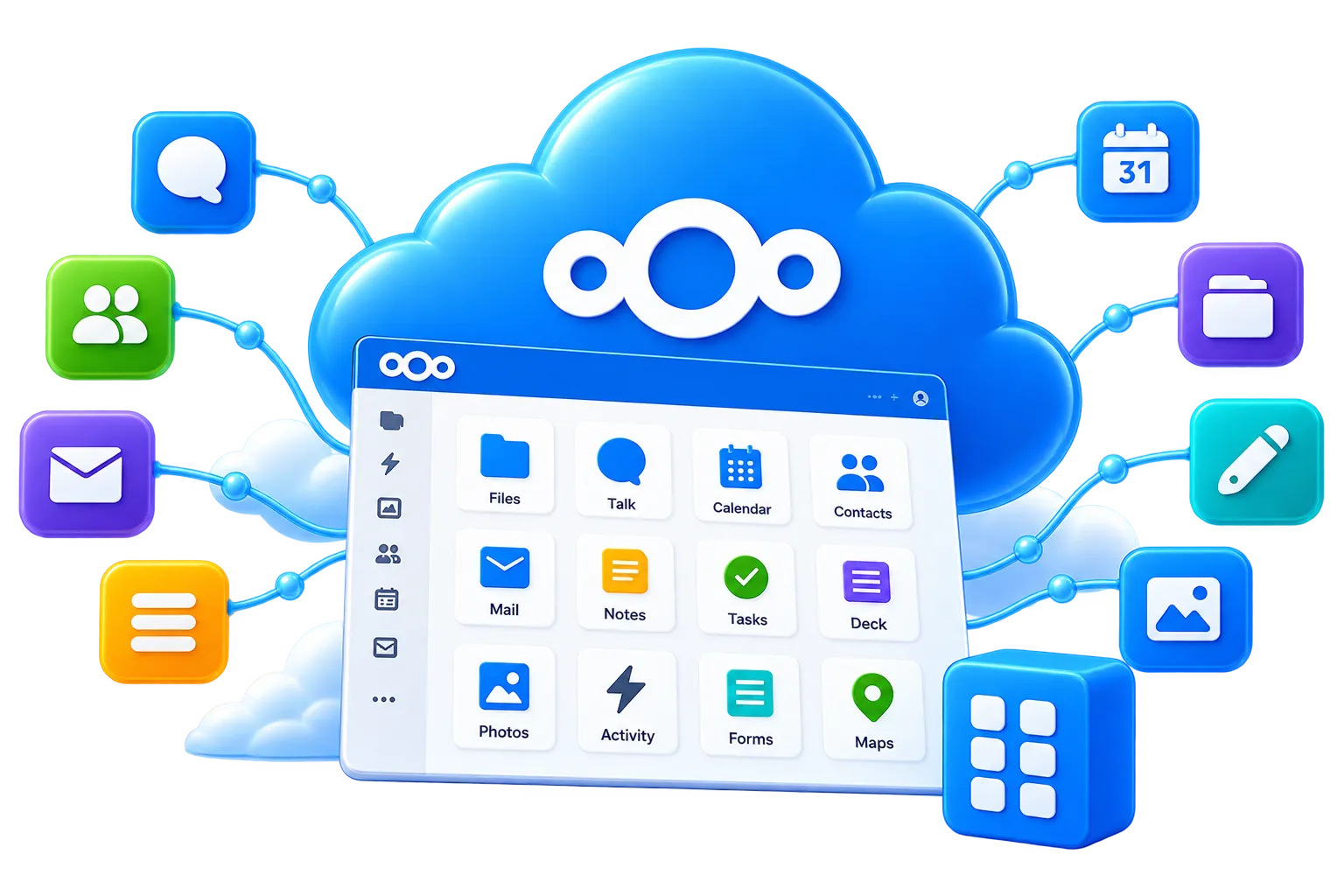
Use Nextcloud Office for documents and spreadsheets, including notes and lists for organising your collection.
Use Nextcloud Talk for messaging and video calls alongside your shared files. Photo sharing does not require a video call.
Compare the allowance, upload options and sharing controls before choosing where to keep your pictures. Include videos and other files when calculating your needs. Permafiles offers a managed Nextcloud account with 5GB free. The Nextcloud servers are hosted in Germany and customer files use third-party, S3-compatible storage in the United Kingdom.
5GB is shared across stored files. Include videos when calculating your needs.
Try a browser or Nextcloud app upload and download before moving a large collection.
Review link permissions and keep an independent copy of important originals.

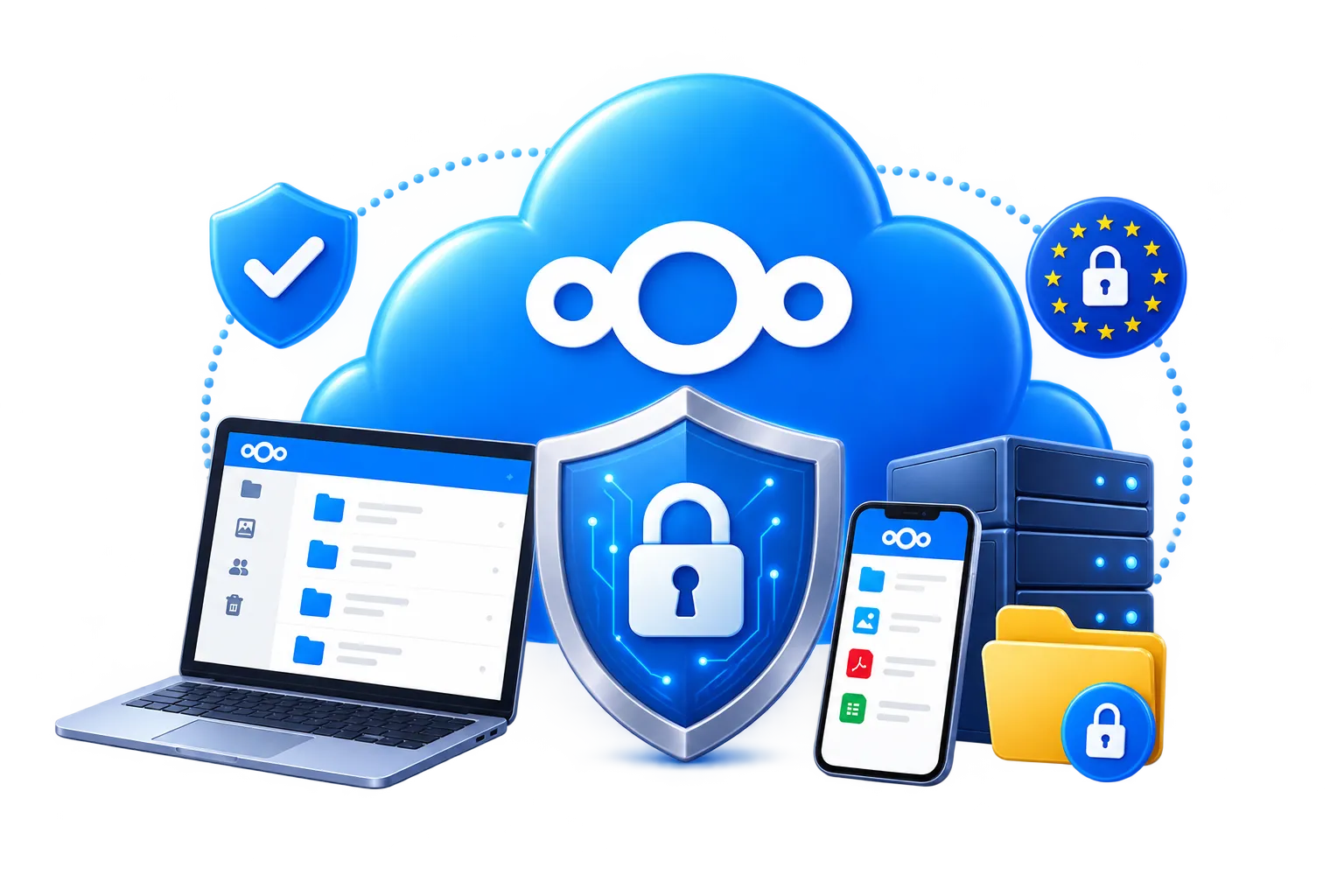
Use a unique password and enable two-factor authentication. Share only the albums you intend others to see, and review existing links when your plans change.
Encrypted connections and account security help protect your files. Optional end-to-end encryption requires compatible apps and configuration; it is not automatically applied to every photo.
Explore account security and encryption


Online storage gives you another place to access your pictures, but it should not be your only copy. Keep important originals on a separate device or backup destination.
Permafiles daily backups support service recovery. They do not replace your own backup plan, especially before deleting or reorganising a collection.
Read about your files and privacy
Upload a few photos, then check that you can open and download them. Speed depends on your connection, file sizes and device. Add larger collections in manageable batches.
Get Your Free Account
Permafiles manages the hosting and platform updates. Spend your time organising pictures rather than installing and maintaining a storage server.
View Storage Plans & Prices
Keep personal pictures in your account and share a separate folder when needed. Account security, link permissions and optional encryption have different roles; choose the settings that suit your collection.
Share holiday pictures, send a few favourites or invite someone to contribute. Check permissions before sending a link, and set an expiry date when access should be temporary.
Use Nextcloud on computers and phones. Configure automatic camera uploads if you want new pictures added to your account, and monitor your remaining space.
Read about Nextcloud sync clients
Capacity depends on file size. As a rough example, 1,000 photos at 5MB each use about 5GB before other files are counted. Large originals and videos can fill the allowance faster. Keep an independent copy before deleting unwanted files.
Explore Nextcloud security features
Create a 5GB account with no credit card required. Upload your first pictures, organise an album and try the sharing controls before deciding whether you need more space.



Need help starting a collection or choosing more space? Use the contact button below, or browse the FAQs.