
Fullscreen View

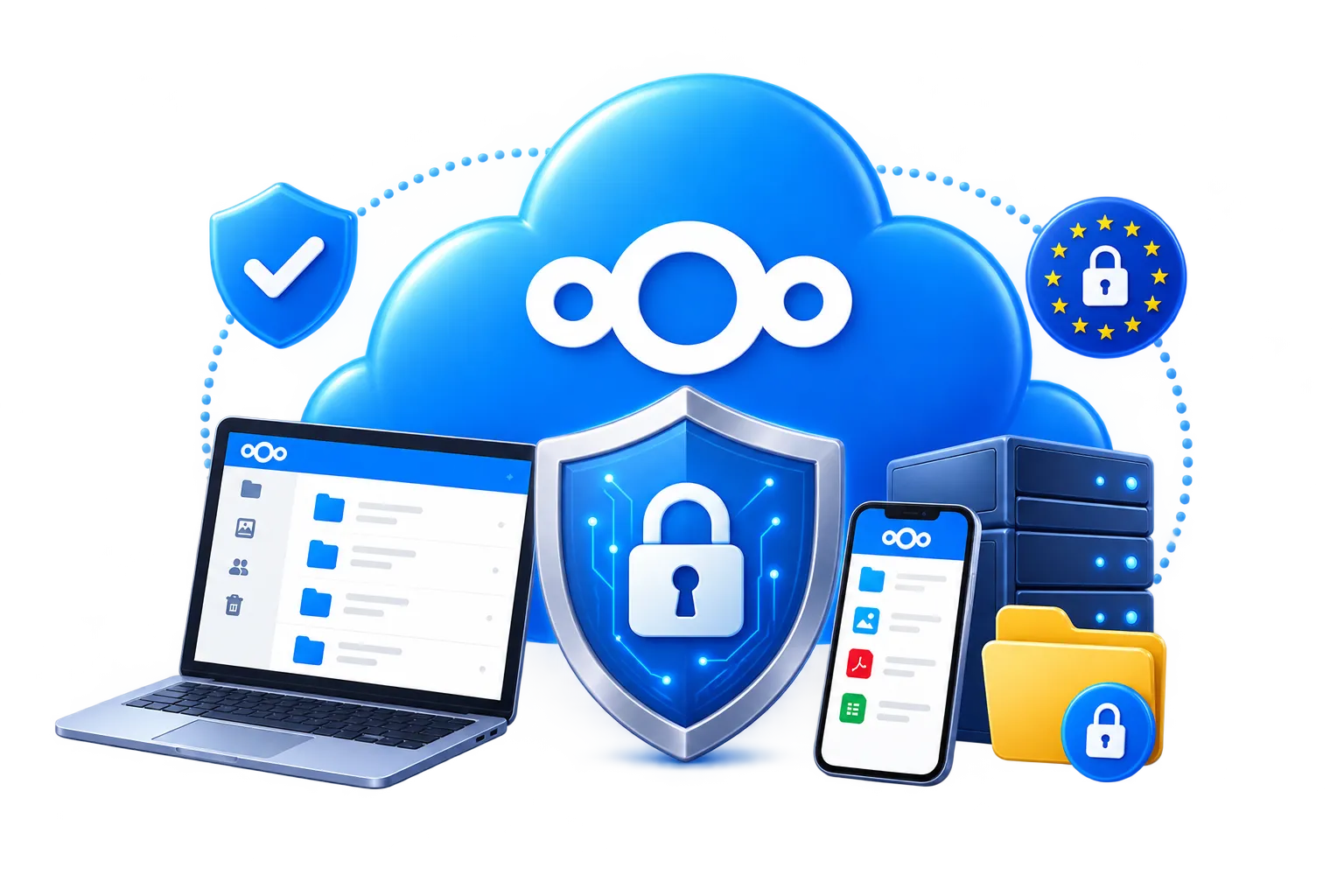
Nextcloud Security

Maximize your account security

Nextcloud comes with a huge library of free apps, and we’ve already installed the most popular and useful ones. This means you get essential features from the moment you log in with no setup needed.

We keep everything up to date, so you’re always using the latest versions with the newest improvements and security fixes. You can explore the apps that are ready to use below.
Hero Image
Shape Image
feature icon 1

2 Factor Security

Enable 2FA to greatly increase the security of your files.

feature icon 2

Access Anywhere

Securely access your files from desktops and mobile devices.

feature icon 3

Satisfaction Assured

Cancel within the first 7 days for a full, no quibble refund.

feature icon 4

Daily Backups

Your data is backed up daily on European storage servers.

Dashboard

Nextcloud Dashboard

When you log into your Nextcloud account, the dashboard greets you with a clear visual summary of everything that’s happened since your last visit. It’s designed to keep you informed at a glance, and you can easily customize it to show only the notifications and updates that matter most to you.

To set up the Weather App, simply click the Customize button and enter your location. You can use your postal code, city name, or let the system detect your location automatically.

The Weather App is powered by www.windy.com, one of the most trusted weather platforms online, and delivers accurate stats and forecasts in real time.

Talk

Nextcloud Talk

The Nextcloud Talk app lets you chat, make voice and video calls, and hold secure virtual meetings - all within your own Nextcloud. You can start one-on-one conversations or create group chats, share files and even set up public or private video calls with screen sharing.

It’s perfect for teams, families, or anyone who wants to stay connected without relying on third-party messaging platforms. Talk integrates with other Nextcloud apps, so you can collaborate in real time while working on documents, managing tasks, or reviewing schedules.

Notifications keep you updated, and mobile support means you can stay in touch wherever you are. Whether you're hosting a quick check-in or a full video conference, Nextcloud Talk gives you secure, encrypted communication entirely under your own roof.

Files

Nextcloud Files

You can upload and download files, copy, move, rename, delete, and share both files and folders. Uploading is fast and intuitive thanks to drag-and-drop support from Windows Explorer directly into your server folders.

A progress bar keeps you informed, showing the remaining upload time based on your internet speed. The built-in photo viewer lets you enjoy and edit your images effortlessly.

You can crop, rotate, add text, and apply filter effects without needing extra software. For videos, the integrated player supports a wide range of formats including .mp4, .webm, .mov, and .H264

Photos

Nextcloud Photos

The Nextcloud Photos app is a user-friendly tool designed to help you manage, view, and share your images with ease. It automatically organizes your photos into a clean, visual gallery, making it simple to browse through your memories.

You can upload photos directly from your device, and the app supports albums, tags, and search features to keep everything organized. It also includes basic editing tools, so you can crop, rotate, and enhance your images without needing extra software.

Sharing is seamless - you can create public links, set permissions, and even password-protect your shared albums.

Mail

Nextcloud Mail

The Mail app brings your email directly into your Nextcloud, making it easy to manage messages alongside your files, calendar, and other tools - all in one place.

It supports most email providers like Gmail and works with standard IMAP and SMTP protocols, so you can easily connect your existing email accounts. Once set up, you can send and receive email, organize messages into folders and use powerful search features to quickly find what you need.

The interface supports multiple accounts, signatures, and rich formatting. You can also integrate it with other Nextcloud apps such as linking emails to calendar events and tasks.

Calendar

Nextcloud Calendar

The Nextcloud Calendar app is a secure and intuitive way to manage your schedule directly within your Nextcloud. It allows you to create events, set reminders, and organize your time with ease whether you're planning meetings, birthdays, or daily tasks.

You can view your calendar by day, week, or month, and color-code different calendars to keep personal and work events separate. It supports recurring events, invitations, and notifications, so you never miss an important moment.

The app uses the CalDAV standard, which means you can sync your calendar across devices—phones, tablets, and desktops - keeping everything up to date wherever you are. You can also share calendars with others, making collaboration simple and efficient.

Contacts

Nextcloud Contacts

The Nextcloud Contacts app is a powerful tool that helps you manage all your contacts in one secure place. It lets you create, edit and organize contact details with ease - names, phone numbers, email addresses, birthdays, and even custom notes.

Your contacts are stored privately on your Nextcloud, so you stay in control of your data. The app supports syncing across devices using the CardDAV protocol, which means your address book can stay up to date on your phone, tablet, and computer.

You can group contacts, search quickly, and even link them to calendar events or tasks for better coordination. Whether you're managing a small team or just keeping track of friends and family, the Contacts app makes it easy to stay connected and organized.

Music

Nextcloud Music

The Nextcloud Music app is a sleek and powerful way to enjoy your music collection directly from your Nextcloud server. It lets you stream your audio files from anywhere, so your music is always with you whether you're at home, at work, or on the go. You can upload your favourite tracks to your Nextcloud storage and the Music app will automatically organize them by artist, album, and genre.

There are features like playlists, shuffle, repeat, and search to help you find and enjoy your music effortlessly.

If you're looking for a private, ad-free alternative to mainstream music platforms, the Nextcloud Music app gives you full control over your library and how you listen.

Radio

Nextcloud Radio

The Nextcloud Radio app lets you stream internet radio stations directly from your Nextcloud dashboard, turning your workspace into a personal listening hub. It’s lightweight, easy to use, and designed to bring music, news, or talk radio into your daily routine without leaving your Nextcloud environment.

You can browse and play stations from a wide selection of genres and regions, or add your own favourite streams manually. The app supports standard streaming formats and integrates smoothly with other Nextcloud features, so you can listen while managing files, checking emails, or planning your calendar.

It’s a great way to stay entertained or informed while keeping everything in one secure, privacy-respecting space.

Podcasts

Nextcloud Podcasts

The Nextcloud Podcasts app lets you enjoy your favourite podcasts directly within your Nextcloud - no need for third-party platforms or separate apps. It’s designed to give you a seamless listening experience while keeping everything private.

You can subscribe to podcast feeds by entering their RSS URLs, and the app will automatically fetch new episodes as they’re released. The interface is clean and easy to navigate, allowing you to browse, stream, or download episodes for offline listening. Playback is smooth, and you can pick up right where you left off.

Whether you're into news, storytelling, education, or entertainment, the Podcasts app makes it easy to stay connected to the content you love - all from your own secure server.

GDPR iconGreen Energy iconISO 27001 icon14-day free trial icon