
2 Factor Security
Enable 2FA to greatly increase the security of your files.
Access Anywhere
Securely access your files from desktops and mobile devices.
Satisfaction Assured
Cancel within the first 7 days for a full, no quibble refund.
Daily Backups
Your data is backed up daily on European storage servers.
Hosted in EU Datacenters
GDPR‑Compliant Cloud Storage
Your files are handled responsibly and securely under EU data‑protection laws.
Encrypted Cloud Storage
Your photos and videos are encrypted in transit and at rest.
No Tracking or Data Mining
PermaFiles is cloud storage without surveillance.
Only you can access your files.
Advanced Security
Nextcloud keeps your cloud storage safe, private and protected.

Encrypted cloud storage
Daily cloud backups
Two‑factor authentication
Secure sharing links
Brute‑force protection
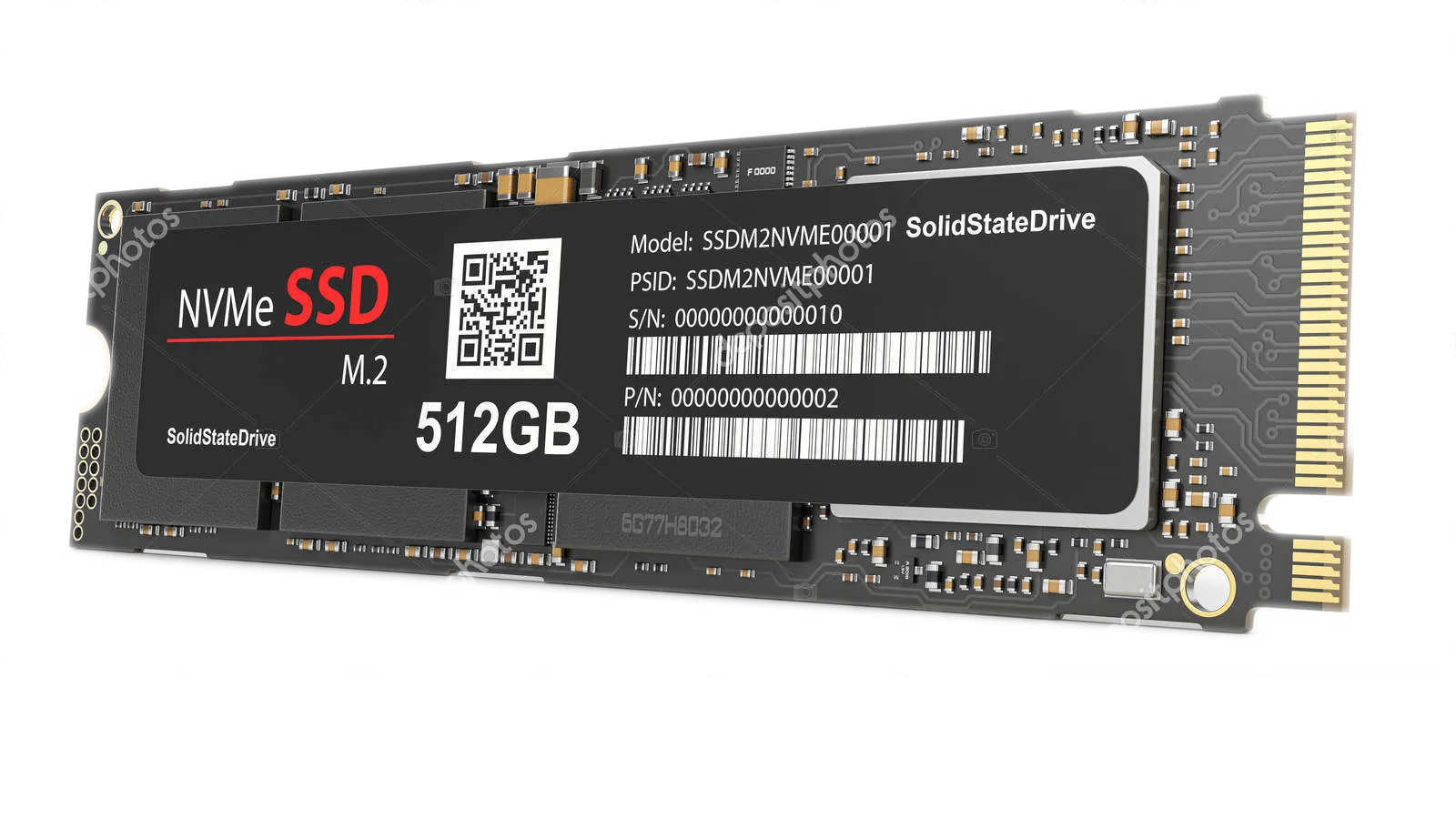
Fast SSD Storage
Most cloud services still rely on slow spinning disks or basic SSDs. PermaFiles uses next‑generation SSD storage, giving you:
Lightning‑fast uploads and downloads
Near instant previews of photos and videos
Rapid syncing across devices
Low latency when opening documents
Rapid syncing across devices
Works On Any Device
Automatic Camera Uploads
Save every photo and video from your phone directly to your cloud storage.
Access From Anywhere
Mobile access on iPhone & Android devices
Works on Windows, macOS & Linux
Log into Nextcloud from any web browser
Easy file sharing for everyone
Shared links require no apps or accounts.
Main Nextcloud Features
Photos
Browse your photos and videos in the Photo viewer. Apply filters, add text and resize your images using the built-in photo editor.
Podcasts
Search thousands of podcasts and add them to your favourites list. You can also add RSS feed links to millions of other podcasts.
Text
A lightweight collaborative editor for plain text documents - great for notes, markdown files, and real-time editing with others.
Teams
Create and manage user-defined groups called 'circles' to make it easy to share content and collaborate with others.
Tasks
Tasks is a powerful tool for managing personal and team to-do lists. It helps users organize tasks, set deadlines, and track progress.
Diagrams
Diagrams is powered by draw.io. It enables users to create flowcharts, mind maps, network diagrams, UML models, and more.
Music & Radio
Upload your music collection and listen to your favourite radio stations. Music is automatically organized into genres for you.
Passwords
Advanced secure password manager. Your data stays entirely on your own server not on third party servers. Giving complete control.
Nextcloud Talk
Talk enables private audio/video calls, group chats, webinars, and screen sharing. Replaces Zoom, Microsoft Teams, Slack etc.
File Storage
Cloud storage and file sharing platform gives users private access to their data from anywhere. Works like Google Drive, Dropbox OneDrive etc.
File Sharing
Powerful, privacy-focused file sharing features that let you securely share files and folders with individuals, groups, or the wider public.
Workspaces
Allows administrators or designated managers to create structured collaboration spaces for teams, departments, or projects.
Client Access
The free desktop and mobile clients for Windows, iOS and Android automatically syncs all of your files and documents on all of your devices.
Linked Shares
Share files with colleagues and customers safely and eaily by protecting upload and download links. Add password protection and set expiration dates.
Commenting
Allows users to leave feedback, tag collaborators and track discussions. Integrates with office editors like Nextcloud Office and Collabora.
Remote Wipe
Enables admins to remove locally synced data from a device without physical access. Useful when a device is lost, stolen or compromised.
Office Tools
Full-featured editing for Microsoft Office compatible files formats without relying on external services like Google Docs or Microsoft 365.
External Storage
Lets you connect and manage third-party storage services like Google Drive, Dropbox, SFTP and WebDAV. Connections appear as drive folders.
The web-based email client is built into Nextcloud. It allows users to send, receive, and organize emails from providers like Gmail.
Chat
Designed for teams and individuals who want to collaborate without relying on external services like Slack or WhatsApp.
Calendar
Sync events across devices and integrates seamlessly with other Nextcloud apps like Contacts, Talk, Tasks, and Deck.
Deck
Inspired by tools like Trello, it lets users create drag-and-drop Kanban boards filled with lists and cards, each representing a task or item.
Online Meetings
Nextcloud Talk is a privacy-first communication platform that combines video conferencing, chat, and screen sharing.
Contacts
A secure, self-hosted contact management app that lets you organize, sync, and share address books across all your devices.
Activity
The Activity app generates a timeline of events related to files and folders - showing who did what and when with notifications via email.
Monitoring
The Monitor app helps administrators ensure their Nextcloud instance is running securely and responsively with well-utilized hardware.
Accounts
Administrators can create and manage user accounts, assign roles, set storage limits, and control access to apps and data.
Authentication
Supports two-factor authentication to enhance security by requiring a second verification method in addition to your password.
Theming
Customize the look and feel of your instance - including logo, colors, name, and login screen to match your organization’s branding.
Federation
Allows users on different Nextcloud servers to securely share files and collaborate as if they were on the same instance
General FAQs
What are default files?
We pre‑populate the files and folders of free accounts with some example photos, videos, music, and office templates to help new users understand how the system works.
You can delete the sample files when you are comfortable using the system.
What is a GDPR Certified Datacenter?
A GDPR Certified datacenter is a facility that has been independently audited to show it meets the strict data‑protection standards required by the General Data Protection Regulation (GDPR).
This means the datacenter follows approved security practices, protects personal data properly, and can prove it through official certification. In simple terms, it’s a datacenter that has been verified to handle your data safely, legally, and in full compliance with European privacy rules.
Can I share files with users on other servers?
Yes, you can share your files with people in your contact list or with anyone on other servers using their Federated Cloud ID. A Federated Cloud ID looks like: [email protected]
To share with someone on another server, just open the share menu for the file you want to share and enter their Federated Cloud ID in the “Name, Federated Cloud ID or email address” field.
If you need to find your own Federated Cloud ID, log in to your Nextcloud, click your profile picture in the top‑right corner, choose Settings, and then open the Sharing section. You’ll see your Federated Cloud ID displayed on the right.
How do I back up and sync my data?
Backing up and syncing your data with Nextcloud is simple.
Install the Nextcloud desktop or mobile app, sign in, and choose the folders you want to keep in sync. Any files you add or change on your device are automatically uploaded to your Nextcloud account, and any updates on the server are synced back to your devices.
This gives you an up‑to‑date backup of your important files and lets you access them from anywhere.
What is a High Performance Backend?
The High Performance Backend makes our Nextcloud servers feel faster and more responsive. Instead of checking for updates every few seconds, the server instantly pushes changes to your devices the instant they occur.
That means:
Files sync right away across your devices
Messages and notifications appear instantly
Less waiting and a smoother experience
It also reduces the strain on the server, so everything runs more efficiently - especially if lots of people are using it at the same time. Dozens of participants can use Talk video sessions simulteaneously without degredation for example.
What sort of performance can I expect?
We only use branded hardware in our servers for reliability. We only use NVMe hard drives for the operating system and file storage which dramatically improves responsiveness, especially when generating thumbnail previews.
We constantly monitor all of our servers to ensure there is always enough storage and performance capacity to ensure a smooth snappy experience for each user. You can sign up for a free trial account to test the performance of our servers.
What are default files?
We pre‑populate the files and folders of free accounts with some example photos, videos, music, and office templates to help new users understand how the system works.
You can delete the sample files when you are comfortable using the system.
What People Say About Permafiles
'Pemafiles has made it easy for me to share my work with my clients. I really like the Nextcloud interface because it is everything I need to run my small business - especially the built-in Office apps'
“I looked everywhere for something like Permafiles for years. Now I can work smarter and get more free time. The Talk app is the best video conferencing tool I've used and it's collaboration tools are great!”
“Switching to Permafiles was a complete game changer for us. The Office tools have significantly improved our productivity, decision-making, and overall profitability.”