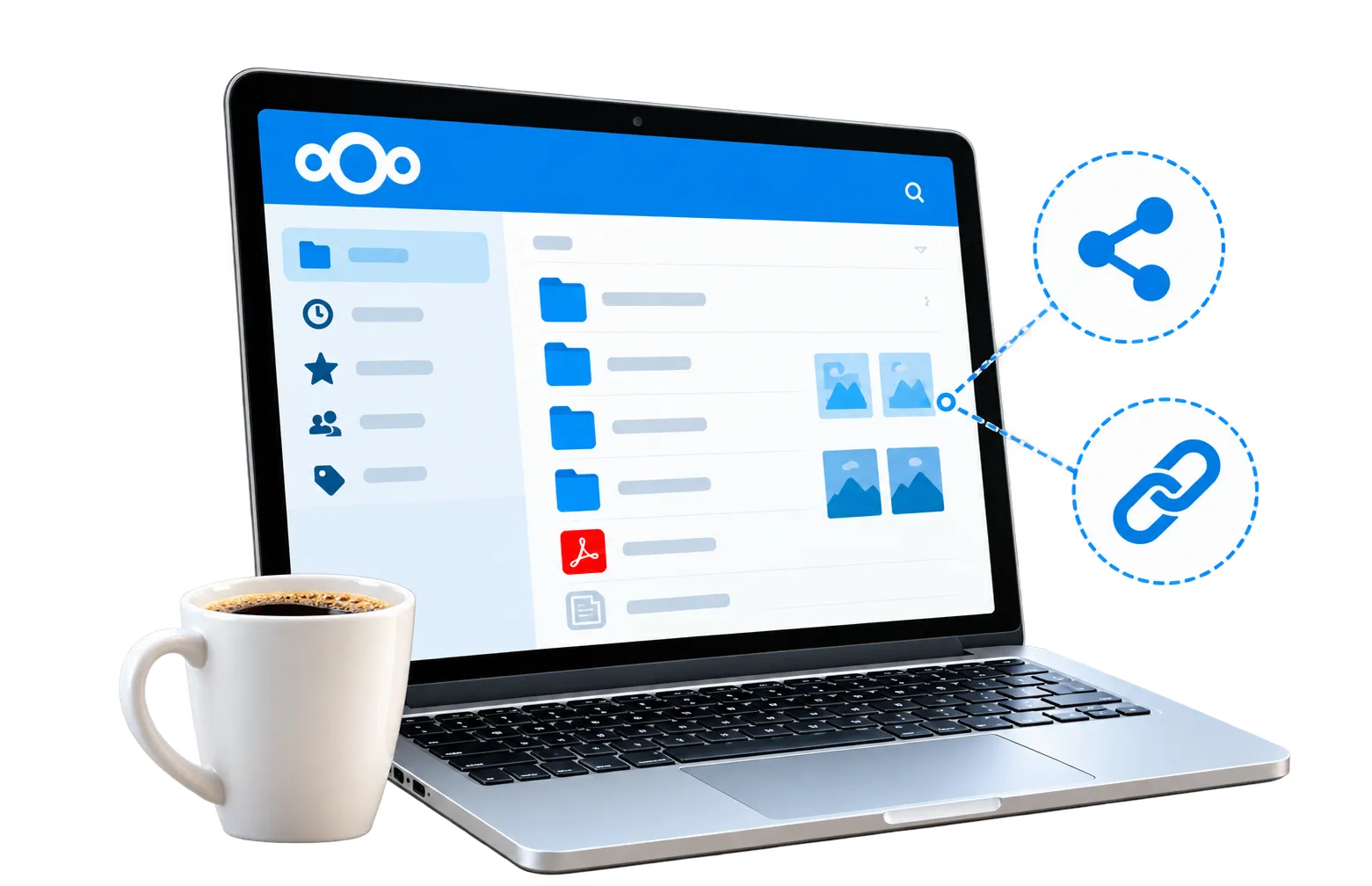
Organise your growing collection
Use named folders for trips, years or family events. Drag and drop pictures into your account and add tags to help find related memories.
Learn More
Learn More




No credit card required.


Give access to selected people instead of making your entire collection public. Choose the permissions for each share.

Use a strong password and enable two-factor authentication. Review shared links as your albums and guest lists change.

Invite family members to add their pictures to a shared folder, so different views of the same occasion stay together.
Learn about album access, phone uploads, contributions and choosing enough space for your pictures.
Permafiles runs Nextcloud for you, so you can get started without setting up a server. Your free account includes 5GB of space for photos, videos and other files.
1. Create an account. Register and sign in through your browser.
2. Make an album folder. Upload a few pictures and give the folder a clear name.
3. Choose your audience. Share a link for viewing or invite people with permission to contribute.
Try it with a small album before moving a larger collection.
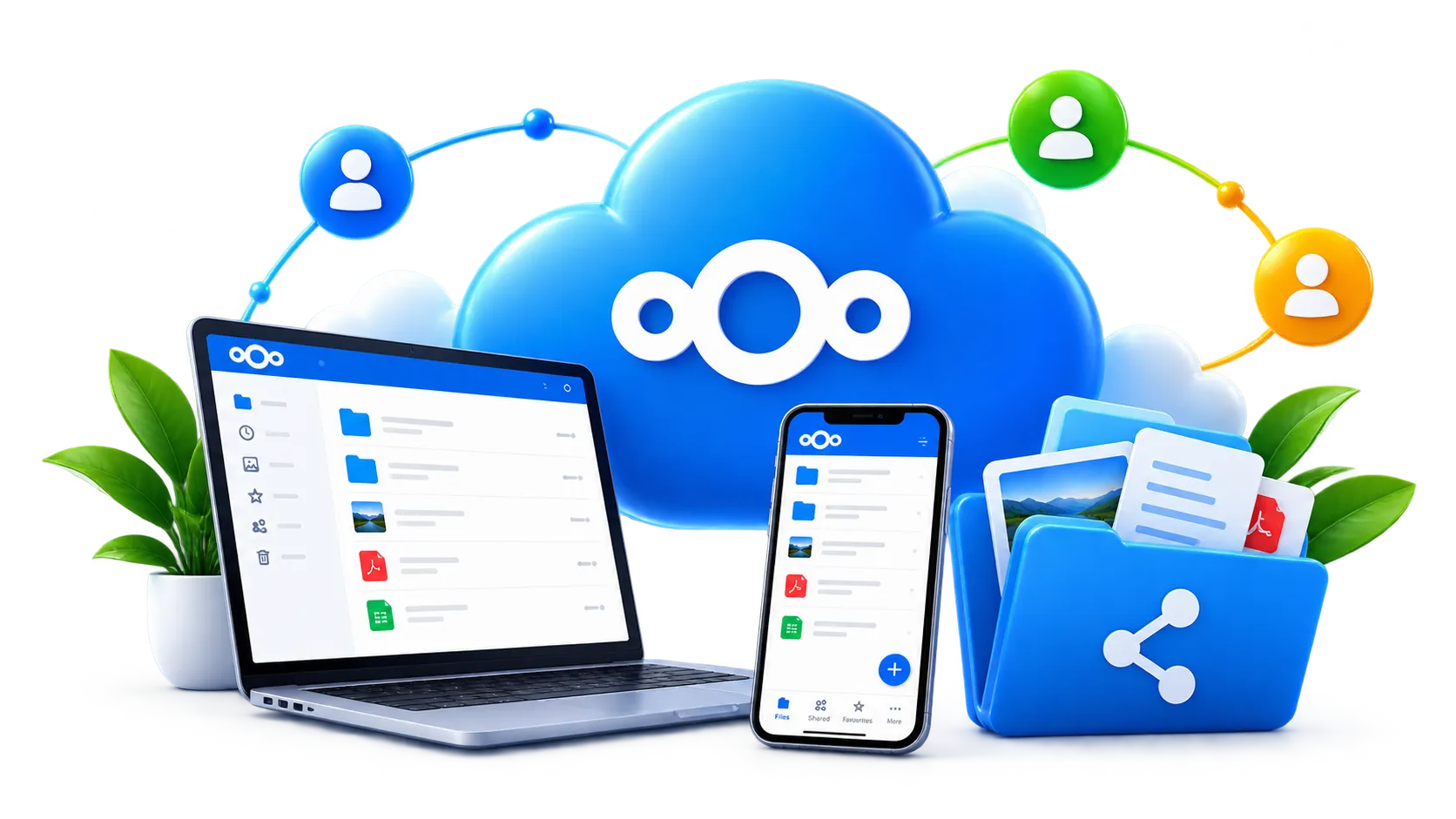
Revisit a favourite album through your browser or the Nextcloud mobile app whenever you have an internet connection.

Use Nextcloud clients to synchronise chosen photo folders across your devices, rather than manually copying every update.
Share a holiday album for viewing, or invite relatives to add photos from a birthday. Review permissions before sending invitations.
Photo albums can sit alongside the rest of your everyday files. Keep a travel document in Nextcloud Office, message relatives through Nextcloud Talk, and use the included media apps. These tools share the same managed account.
Use named folders for trips, years or family events. Drag and drop pictures into your account and add tags to help find related memories.
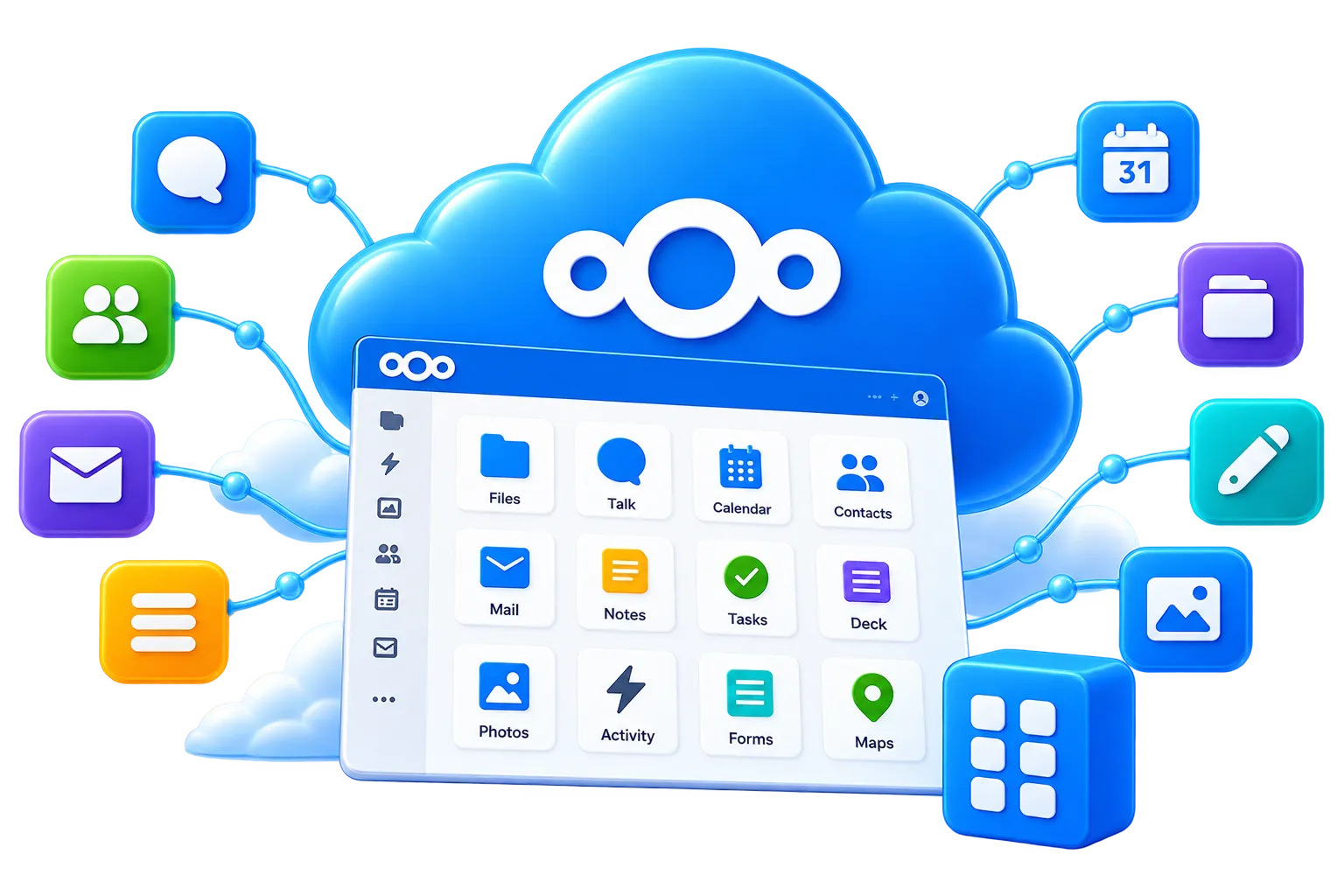
Use Nextcloud Office to work on documents and spreadsheets, such as an itinerary or event plan, alongside the photos you keep in your account.
Nextcloud Talk provides messages and video calls for family and friends. Up to 10 participants can join a call.
Cloud photo sharing should make it easier to collect pictures and give the right people access. Before choosing a service, check how guests view albums, how contributors upload, and how permissions can be changed.
Try Permafiles with one event folder. Invite a relative, open the link on another device and check that the access settings work as you expect.
A collection of phone pictures may need less space than long videos or original camera files. Check the size of your folders and leave room for the pictures others will contribute.
Decide whether recipients only need to view and download, or whether they should add pictures too. Use the permissions available for that share and check them before sending the link.
Open a sample album on the devices your family uses. Check that pictures display, uploads complete and the people you invite understand how to contribute.

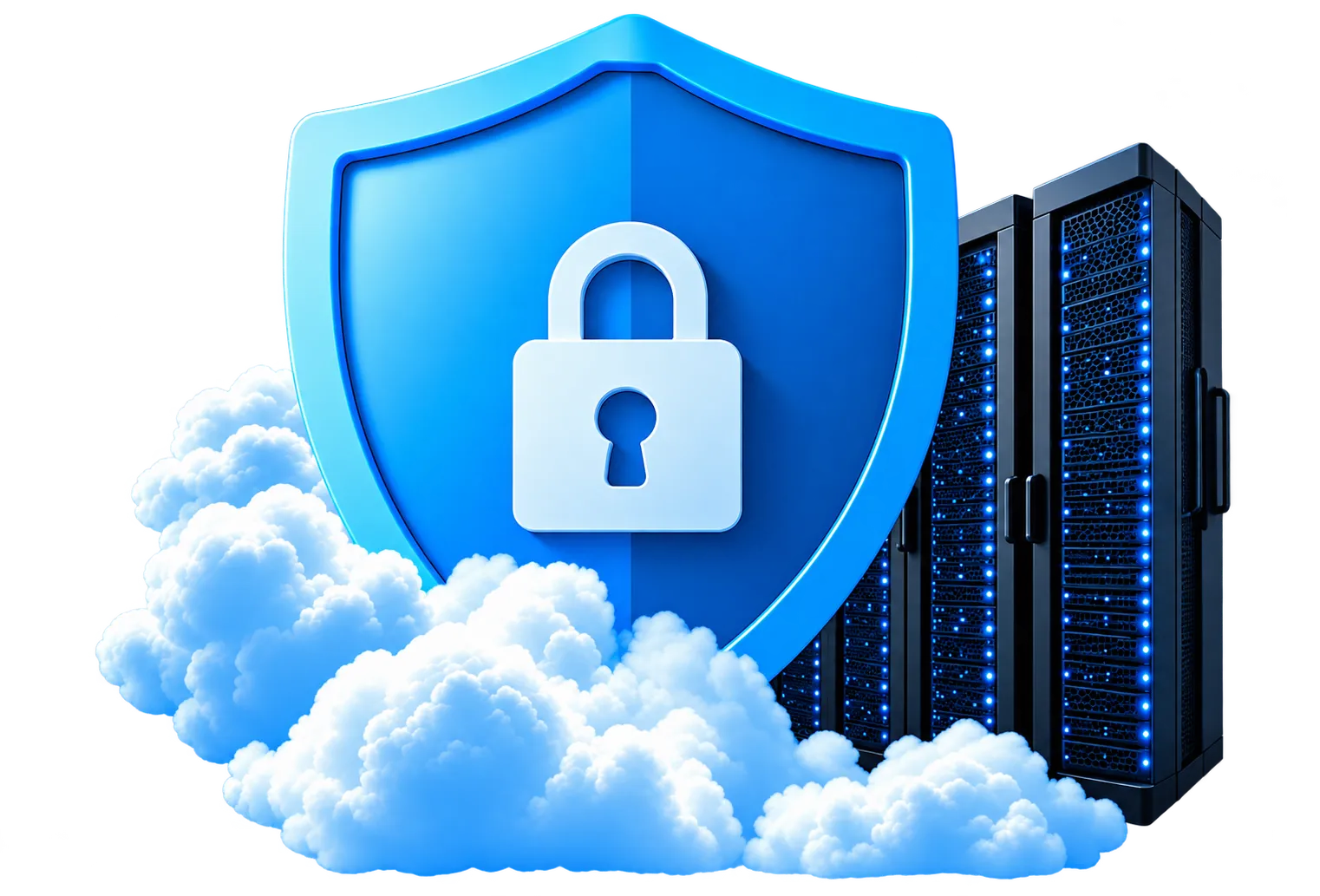
A phone can be lost or replaced. An online photo collection gives you another place to keep pictures, while Permafiles adds daily backups and account protection options.
Check that uploads finish, enable two-factor authentication and retain your own copies of irreplaceable photographs. Shared access and backups serve different purposes.
Learn how accounts and backups are protected


Keep your personal collection in your account and select only the folders or pictures you want others to see. Use optional passwords and expiry dates for links when appropriate, and remove access when it is no longer needed.
Private sharing permissions do not prevent someone from keeping a picture they have already downloaded. Share with people you trust and review the settings carefully.
Understand privacy and sharing controls
Use the free 5GB allowance to try uploading and sharing. As your collection grows, compare paid plans and choose the capacity that covers your albums, videos and other files.
Get Started with 5GB Free
Permafiles uses Nextcloud servers in Germany, with customer file data stored through third-party S3-compatible storage in the United Kingdom. Specialist providers support the managed service.
View Storage Plans & Prices
End-to-end encryption is an optional feature for supported files and clients. Check its compatibility with the way you want to browse and share before using it for an album; it is not automatically applied to every photograph.
Select a folder or picture and choose the sharing options you need. Set the available access permissions, add a link password or expiry date where appropriate, and check the link before sending it to your recipients.
Connect the Nextcloud mobile app to your account and configure automatic photo uploads if you want them. Confirm uploads have completed before removing pictures from your device.
Read about Nextcloud sync clients
Protect your sign-in with two-factor authentication and use the platform’s security options. Permafiles includes antivirus protection, while sharing permissions let you manage access to each album.
Explore Nextcloud account security
Start with a small folder, invite someone you trust and explore the sharing controls together. Your free 5GB account gives you room to see how it works.



Ask us about accounts, album permissions or choosing enough space for your pictures. The FAQs also explain how to get started with Nextcloud.