




Family photo sharing

Bring your family memories together.

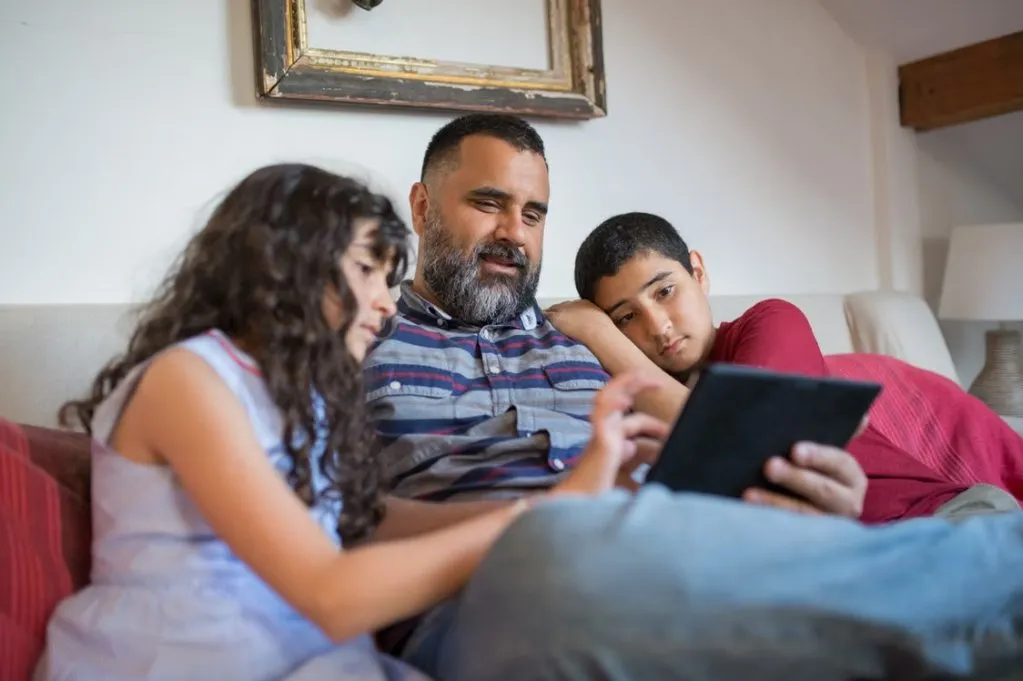
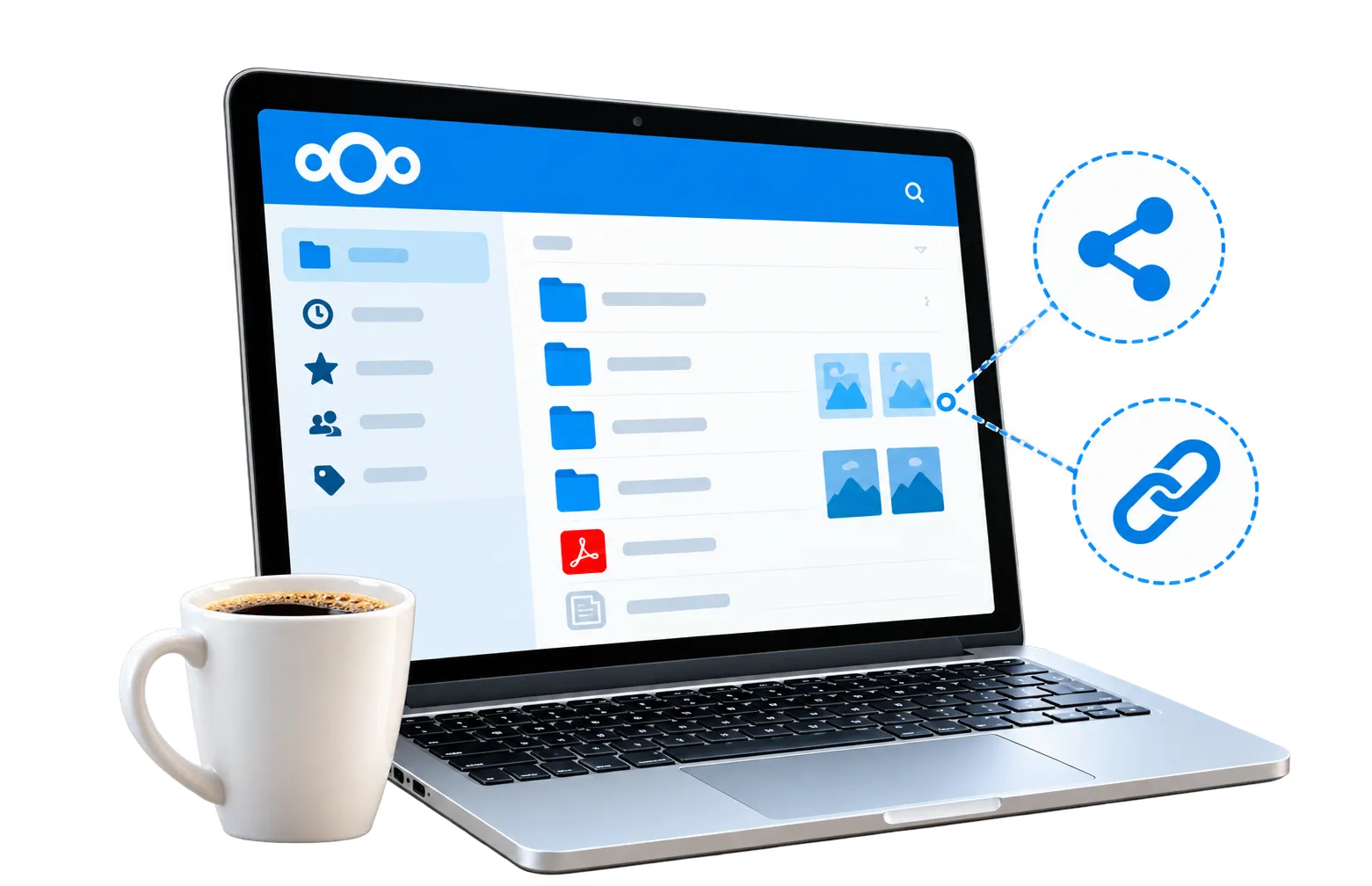
Share birthday pictures, holiday highlights and everyday moments with the people who matter. Permafiles gives you a private account for organising family photographs into shared folders. Send relatives an album link, choose who can contribute and browse your memories through Nextcloud on a phone or computer.

Private albums for the people you choose

Collect photos from different households

Open your collection on any device

Share a folder or individual pictures

Optional passwords for shared links

Start your first album with 5GB free

Nextcloud private cloud storage infrastructure

No credit card required.

Privacy icon

Choose which relatives see each album

Share a small album with close relatives or a reunion folder with a wider group. Set access separately for each folder instead of opening your entire collection.

About Privacy
About Privacy
Iconarrow
Security icon

Protect access to your pictures

Use a strong password and enable two-factor authentication. Review shared links as your albums and guest lists change.

About Security
About Security
Iconarrow
Sharing icon

Bring every household’s pictures together

Parents, grandparents and siblings often photograph the same occasion. Invite relatives to contribute to one folder so you can revisit it from different points of view.

About Sharing
About Sharing
Iconarrow

Get answers about sharing

Learn about album access, phone uploads, contributions and choosing enough space for your pictures.

Read FAQs
Read FAQs
Iconarrow

How to start sharing family photos

Begin with one occasion, such as a birthday or weekend away. Permafiles manages Nextcloud, so you do not need to install or maintain a server.

1. Create your free account. Sign in and use the included 5GB for photos, videos and other files.
2. Name your album folder. Try “Family holiday 2026” and upload a few photographs.
3. Invite your relatives. Send a viewing link or give named users permission to contribute.

Test the share with one person before inviting the rest of the family.

Nextcloud file storage and sharing in a fully managed cloud environment

Share an album with grandparents

Send grandparents a viewing link to your latest album. They can browse the selected pictures in a browser without using your account password.

Free Account
Free Account
Iconarrow
Nextcloud Office collaboration in a fully managed hosting environment

Organise family albums across devices

Use Nextcloud clients to synchronise chosen photo folders across your devices, rather than manually copying every update.

File Sync Clients
File Sync Clients
Iconarrow
Nextcloud security and privacy features on fully managed hosting

Give contributors the access they need

An aunt may only want to browse, while a sibling needs to upload pictures. Check each share and grant editing access only when it is needed.

About Security
About Security
Iconarrow

Keep family plans alongside your albums

Your account also includes tools for documents, conversations and media. Keep a reunion itinerary beside the event photographs or use Nextcloud Talk to catch up with relatives. These extras sit alongside your photo folders.

Nextcloud file sharing interface

Organise photographs by year and occasion

Create folders for birthdays, school holidays and family reunions. Include a date in each name and add tags where useful so your collection stays understandable as it grows.

Learn More
Learn More
Iconarrow
Nextcloud apps and collaboration tools

Plan the next family get-together

Use Nextcloud Office to work on documents and spreadsheets, such as an itinerary or event plan, alongside the photos you keep in your account.

Learn More
Learn More
Iconarrow
Nextcloud security features

Catch up while looking through memories

Nextcloud Talk provides messages and video calls for family and friends. Up to 10 participants can join a call.

Learn More
Learn More
Iconarrow

Your music in the same account

More Info
More Info
Iconarrow

Radio while you browse

More Info
More Info
Iconarrow

Podcasts for your downtime

More Info
More Info
Iconarrow

What to look for in a family photo sharing service

Choose a service that suits the people who will actually use it. Some relatives only want to browse, while others will upload pictures from their own phones.

Try one folder with a small family group. Check the invitation, viewing experience and upload permissions before moving a larger collection.

Allow room for photos and videos

A collection of phone pictures may need less space than long videos or original camera files. Check the size of your folders and leave room for the pictures others will contribute.

Agree who will organise the pictures

Choose an organiser before asking everyone to upload. Agree who can rename, edit or remove pictures. Keep another copy of important originals when others can change a collection.

Make joining straightforward for relatives

Send an album link with a short explanation of what people can do. Test it on a phone and computer, and explain any password or account requirement before inviting a larger group.

Image of a finger about to use fingerprint authentication login

Keep additional copies of irreplaceable family photos

A phone can be lost or replaced. An online photo collection gives you another place to keep pictures, while Permafiles adds daily backups and account protection options.

Check that uploads finish, enable two-factor authentication and retain your own copies of irreplaceable photographs. Shared access and backups serve different purposes.

Learn how accounts and backups are protected

Image showing representation of a man logging into a private account.

Share children’s photos with a chosen audience

Keep photographs of children in a folder shared with the people you choose. Ask parents or guardians before sharing pictures of their children, and review access when the audience changes.

Passwords and expiry dates help manage links but cannot prevent recipients from copying photographs. Discuss resharing with relatives before sending invitations.

Understand privacy and sharing controls

Practical controls for shared family albums

Start free and grow your family photo library

High‑Speed Access

Use the free 5GB allowance to try uploading and sharing. As your collection grows, compare paid plans and choose the capacity that covers your albums, videos and other files.

Get Started with 5GB Free

NVMe storage

Redundant storage and daily backups

High‑performance backend

Fast upload & download speeds

Know where your pictures are stored

European hosting

Permafiles uses Nextcloud servers in Germany, with customer file data stored through third-party S3-compatible storage in the United Kingdom. Specialist providers support the managed service.

View Storage Plans & Prices

Nextcloud hosted in Germany

Photo files stored in the UK

Service updates managed for you

Data handling explained in our policies

Consider encryption for sensitive files

Built for Privacy and Security

End-to-end encryption is an optional feature for supported files and clients. Check its compatibility with the way you want to browse and share before using it for an album; it is not automatically applied to every photograph.

Available on supported clients

Must be enabled separately

Encrypts supported content before upload

Review sharing compatibility first

Send an album link with clear permissions

Sharing made easy

Select a folder or picture and choose the sharing options you need. Set the available access permissions, add a link password or expiry date where appropriate, and check the link before sending it to your recipients.

Share a picture or an album folder

Set expiration dates

Control access levels

Collaborate securely

Upload memories from your phone

Keep everything in perfect sync

Connect the Nextcloud mobile app to your account and configure automatic photo uploads if you want them. Confirm uploads have completed before removing pictures from your device.

Read about Nextcloud sync clients

Windows

Mac

Linux

Mobile iOS

Mobile Android

Look after account access

Security you can rely on

Protect your sign-in with two-factor authentication and use the platform’s security options. Permafiles includes antivirus protection, while sharing permissions let you manage access to each album.

Explore Nextcloud account security

Strong encryption

Two‑factor authentication

Brute‑force protection

Ransomware protection

Create your first shared family album

Start with a small folder, invite someone you trust and explore the sharing controls together. Your free 5GB account gives you room to see how it works.

Family photo sharing: your questions answered

How does family photo sharing work?
plusminus
Can I try sharing family photos for free?
plusminus
How do I create an album for my family?
plusminus
Can relatives upload their own photographs?
plusminus
Do grandparents need an account to view an album?
plusminus
Are shared albums automatically end-to-end encrypted?
plusminus
Can I stop sharing an album later?
plusminus
How can we collect photos from a family reunion?
plusminus
Will pictures upload automatically from my phone?
plusminus
Should I keep a separate backup of family photographs?
plusminus

Need help sharing photos with your family?

Ask us about accounts, album permissions or choosing enough space for your pictures. The FAQs also explain how to get started with Nextcloud.

GDPR iconGreen Energy iconISO 27001 icon free Nextcloud account