

Online photo albums

Organise your pictures. Share the albums you choose.

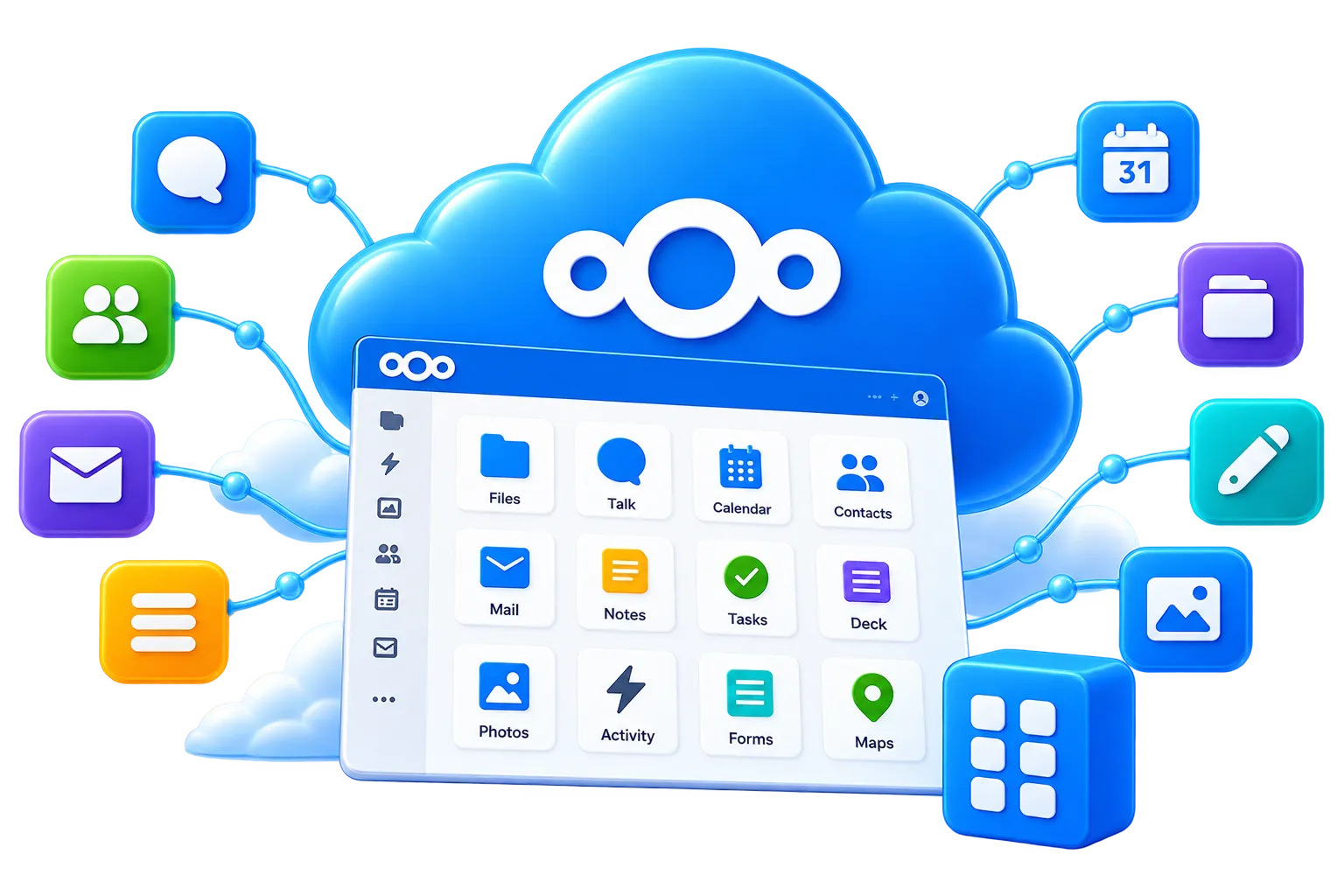
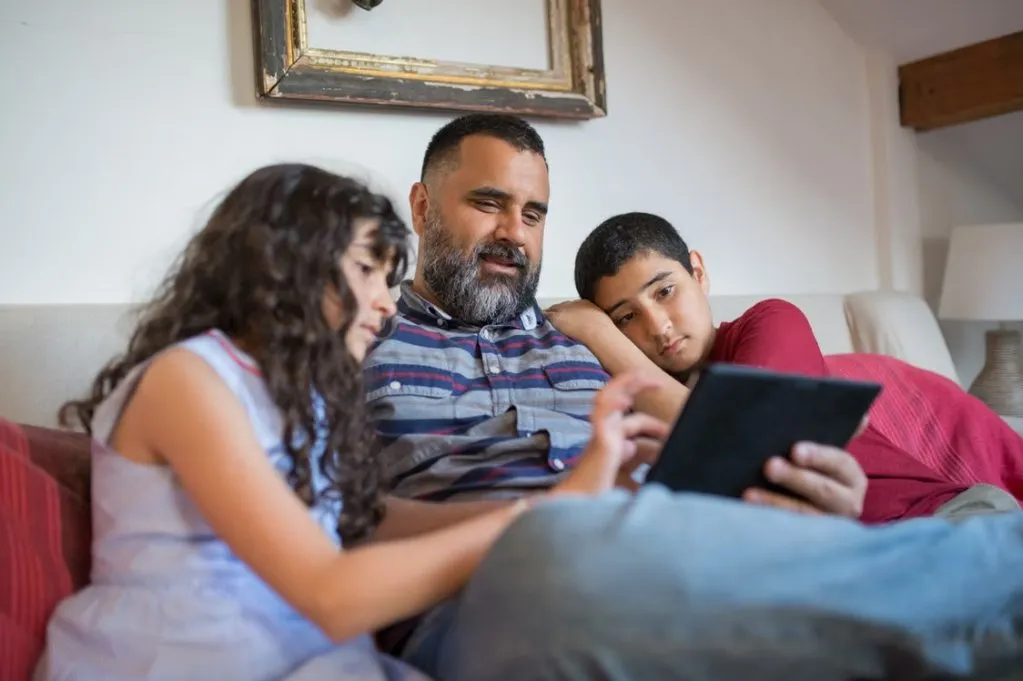
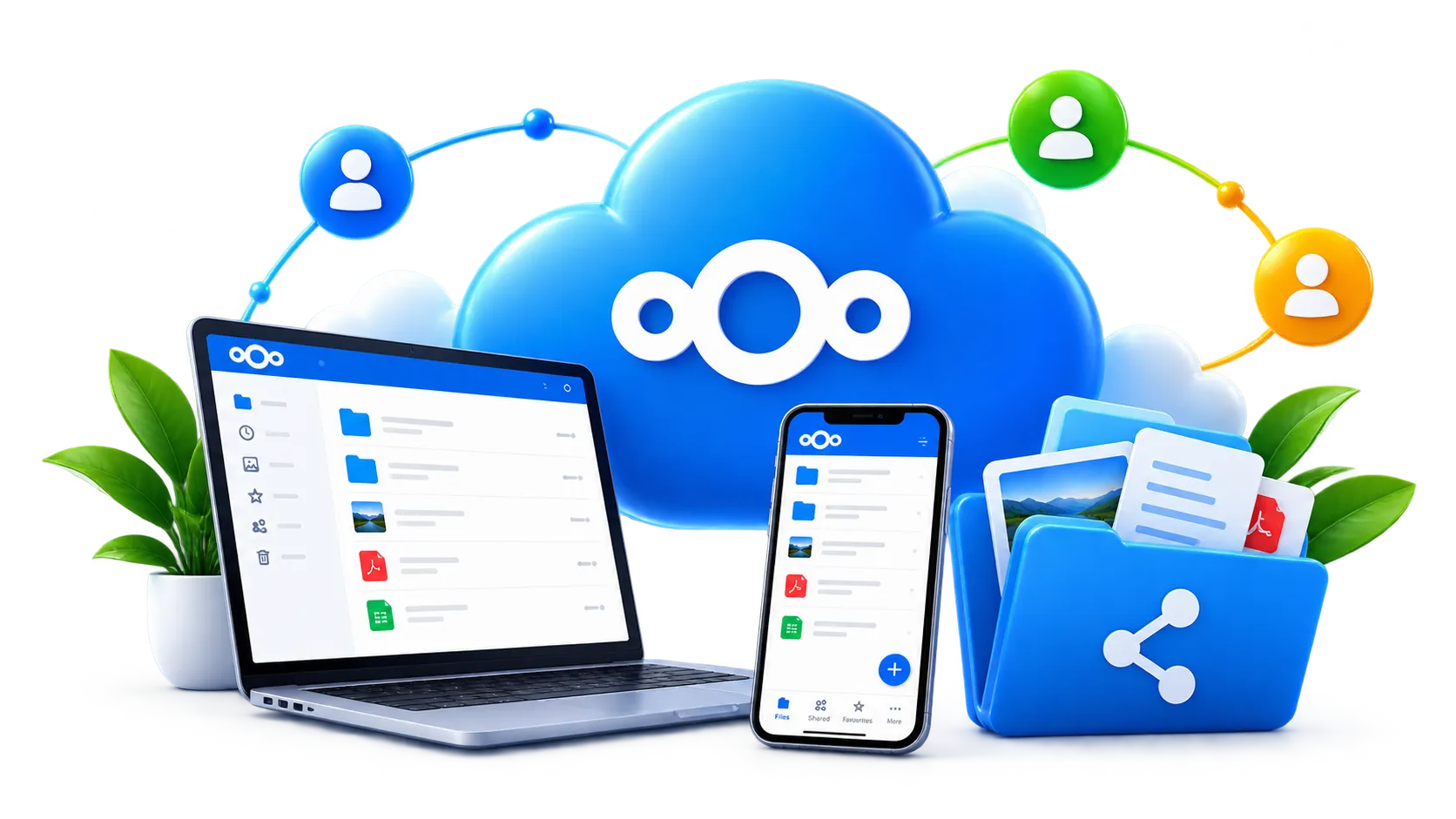
Give your pictures a home you can find again. Create online photo albums for holidays, celebrations and everyday memories, organised as folders in your Permafiles account. Browse them through Nextcloud, share selected collections and choose whether other people can add their own photographs.

Albums with access you control

Collect pictures from your guests

Browse on phones and computers

Share one photograph or a whole folder

Optional passwords and link expiry dates

Start your first album with 5GB free

Nextcloud private cloud storage infrastructure

No credit card required.

Privacy icon

Keep albums separate from your other files

Create a folder for each trip, event or collection. Share only the pictures you intend to show, while keeping unrelated photographs and documents in your account.

About Privacy
About Privacy
Iconarrow
Security icon

Manage who can open your album

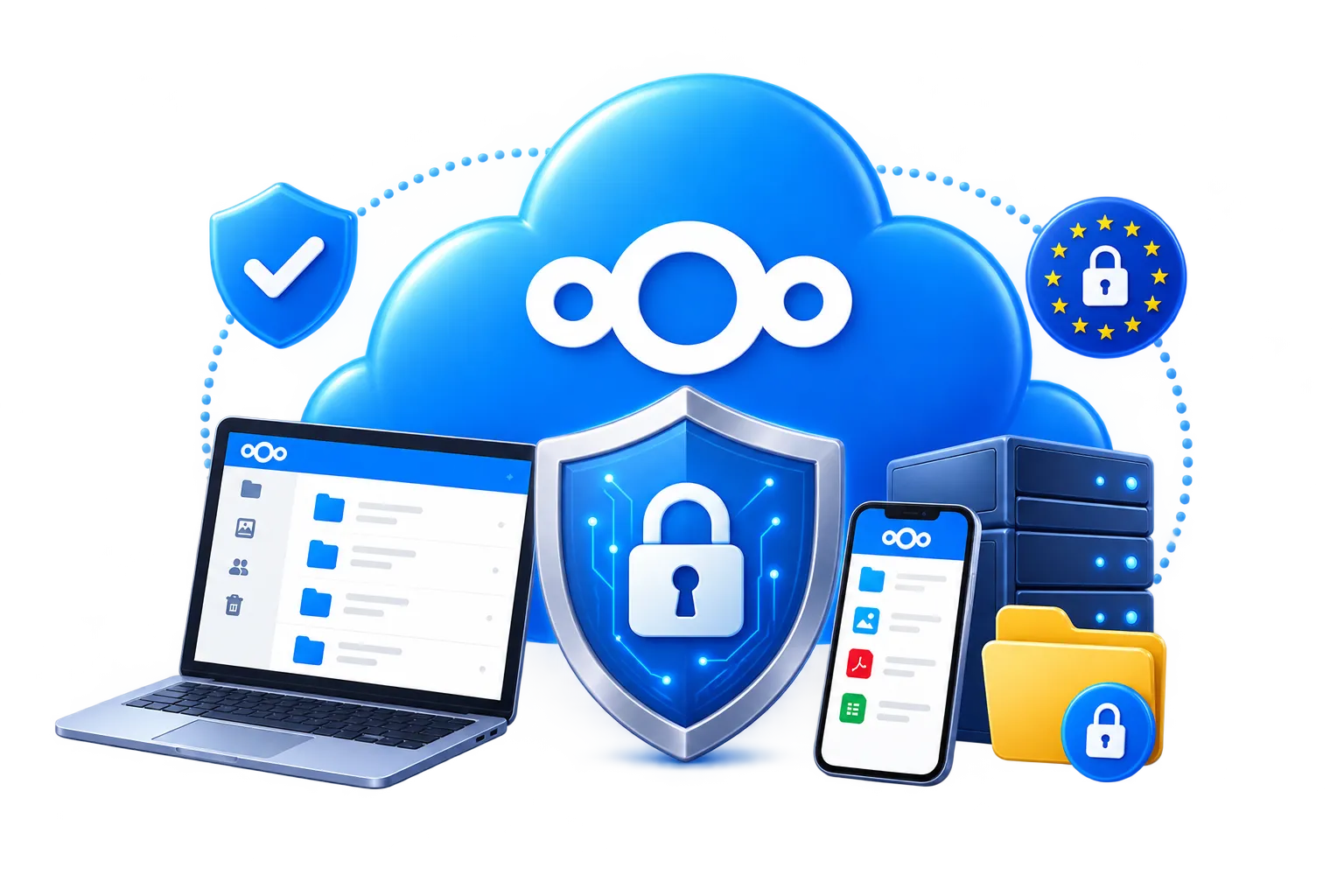
Review the audience for each shared folder. Use available link passwords and expiry dates where appropriate, and remove a share when it is no longer needed.

About Security
About Security
Iconarrow
Sharing icon

Invite people to contribute photographs

Bring pictures from different cameras together in one collection. Give contributors the access they need and decide who will organise the completed album.

About Sharing
About Sharing
Iconarrow

Get practical answers about albums

Find out how to create an album, choose a viewing link, manage contributions and plan enough storage for photos and videos.

Read FAQs
Read FAQs
Iconarrow

How to create an online photo album

Permafiles provides a managed Nextcloud account. Albums on this page are collections organised in folders, with sharing controls for each folder; no server setup is needed.

1. Create an account. Start with 5GB for photos, videos and other files.
2. Make a clearly named folder. Try “Coastal holiday — August 2026” and upload your pictures.
3. Choose how to share it. Send a viewing link or invite users with permission to contribute.

Open the share on another device to check the audience sees the collection you intended.

Nextcloud file storage and sharing in a fully managed cloud environment

View an album through your browser

Sign in to browse your own collection. Recipients can open a shared viewing link to selected content without being given your account password.

Free Account
Free Account
Iconarrow
Nextcloud Office collaboration in a fully managed hosting environment

Keep selected photo folders in sync

Nextcloud desktop clients can synchronise chosen folders with your account. Organise originals and shared collections clearly, and check which folders your devices are syncing.

File Sync Clients
File Sync Clients
Iconarrow
Nextcloud security and privacy features on fully managed hosting

Choose viewing or contribution access

A finished collection may need viewing access only. A group event may need upload permissions too. Review available controls before inviting people to edit an album.

About Security
About Security
Iconarrow

Tools that sit alongside your photo albums

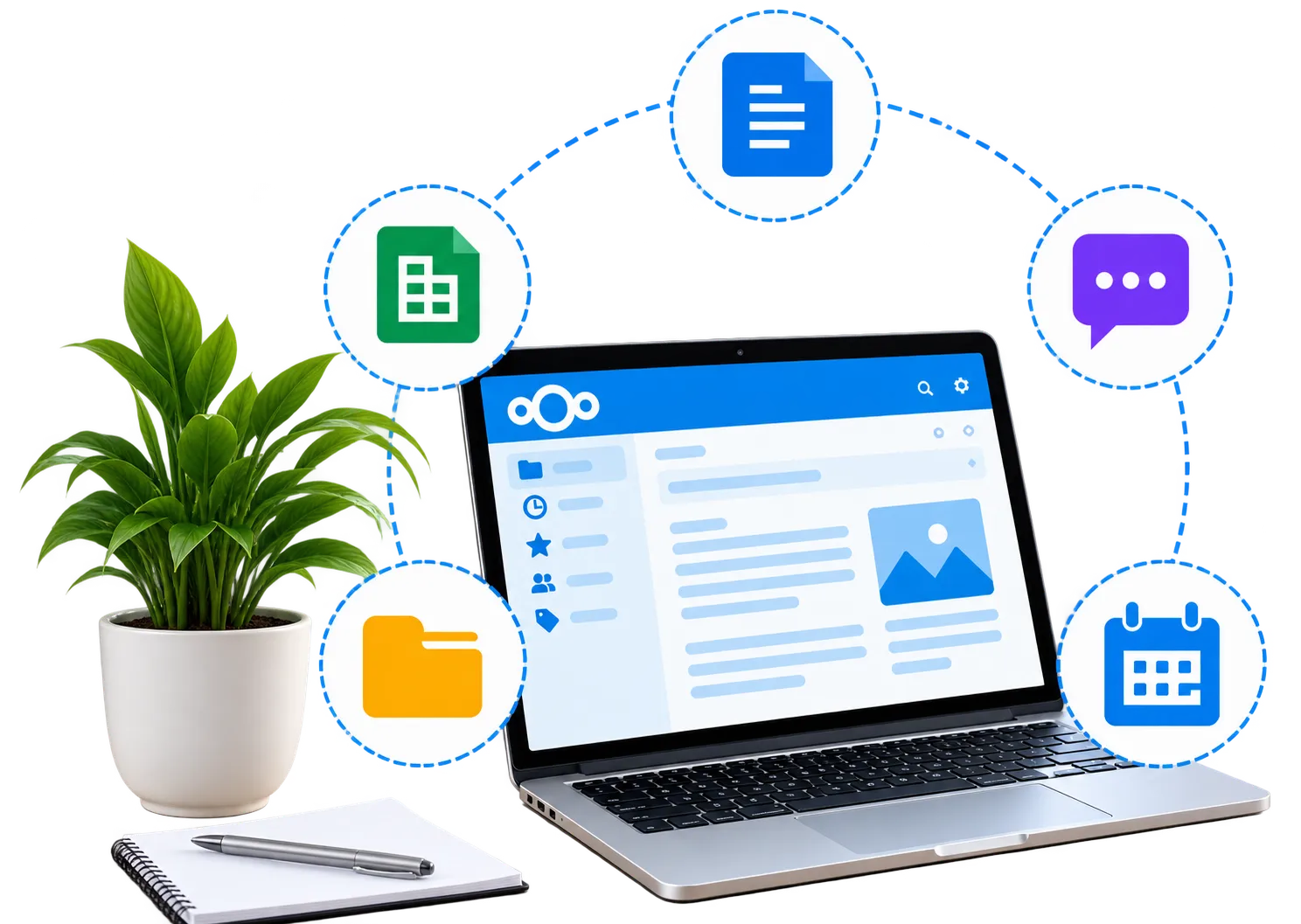
Keep documents, conversations and media in the same managed account. These extras can help with planning a trip, organising an event or discussing the photographs you have collected.

Nextcloud file sharing interface

Build a photo library you can navigate

Use folders by year, then by occasion. A structure such as “2026 / Holidays / Cornwall” makes a growing collection easier to browse. Add tags where useful and choose recognisable names.

Learn More
Learn More
Iconarrow
Nextcloud apps and collaboration tools

Keep event plans with the right people

Use Nextcloud Office for an itinerary or event checklist. Give documents their own sharing permissions, rather than assuming everyone viewing the photographs should also edit your plans.

Learn More
Learn More
Iconarrow
Nextcloud security features

Discuss pictures with your group

Nextcloud Talk provides messages and video calls for users with accounts. Up to 10 participants can join a call to catch up or plan your next occasion.

Learn More
Learn More
Iconarrow

Listen to your uploaded music

More Info
More Info
Iconarrow

Browse albums with radio in the background

More Info
More Info
Iconarrow

Keep podcasts in your media account

More Info
More Info
Iconarrow

Choose an online album service for your collection

Start with how you want to use your pictures. A private holiday collection, a wedding contribution folder and a larger camera archive can need different permissions and storage.

Try a small album first. Check how pictures open on a phone, how invitations work and what recipients can do before uploading a much larger library.

Plan space for photographs and videos

Count storage by file size, rather than by the number of albums. Long videos and high-resolution camera files use more space than smaller pictures. Leave room for future uploads and contributions.

Decide who manages the collection

Choose an organiser when several people can contribute. Agree on folder names and who can edit or remove files. Keep additional copies of important originals before allowing others to change a shared collection.

Test an album from the recipient’s perspective

Open a sample link on a phone and computer. Check that it reveals only the intended folder, that any password works and that upload permissions suit the people you are inviting.

Image of a finger about to use fingerprint authentication login

Keep originals as well as a shared collection

An online album makes pictures accessible from another place, but it should not be your only copy of irreplaceable photographs. Permafiles includes daily backups to support recovery.

Confirm uploads have finished and keep your own additional copies. If you synchronise folders, remember that file changes can also synchronise across devices.

Read about account protection and backups

Image showing representation of a man logging into a private account.

Keep private albums limited to your chosen audience

Use a separate share for each collection instead of opening your whole library. Add available link passwords and expiry dates where appropriate, and review old invitations.

Access controls cannot prevent recipients from keeping a photograph they have downloaded or copied. Choose your audience carefully and agree on resharing before sending a link.

Understand privacy and sharing controls

Features for managing your online albums

Start free and add space as your library grows

Storage for pictures and other files

A free account includes 5GB shared across photographs, videos and other files. Use it to try your first album, then compare paid capacity when your collection needs more room.

Get Started with 5GB Free

Managed storage

Daily backups to support recovery

Browser and app access

Space for photos and videos

Know where your photographs are stored

Hosting locations explained

Permafiles uses Nextcloud servers in Germany. Customer files are stored through third-party S3-compatible storage in the United Kingdom, with specialist providers supporting the managed service.

View Storage Plans & Prices

Nextcloud hosted in Germany

Photo files stored in the UK

Service updates managed for you

Data handling explained in our policies

Review encryption and album compatibility

Separate encryption and access controls

End-to-end encryption is optional for supported files and clients. It must be enabled separately and may affect browsing and sharing. Check compatibility before applying it to an album you want others to open.

Available on supported clients

Must be enabled separately

Encrypts supported content before upload

Review sharing compatibility first

Send a link to selected pictures

Choose the audience for each share

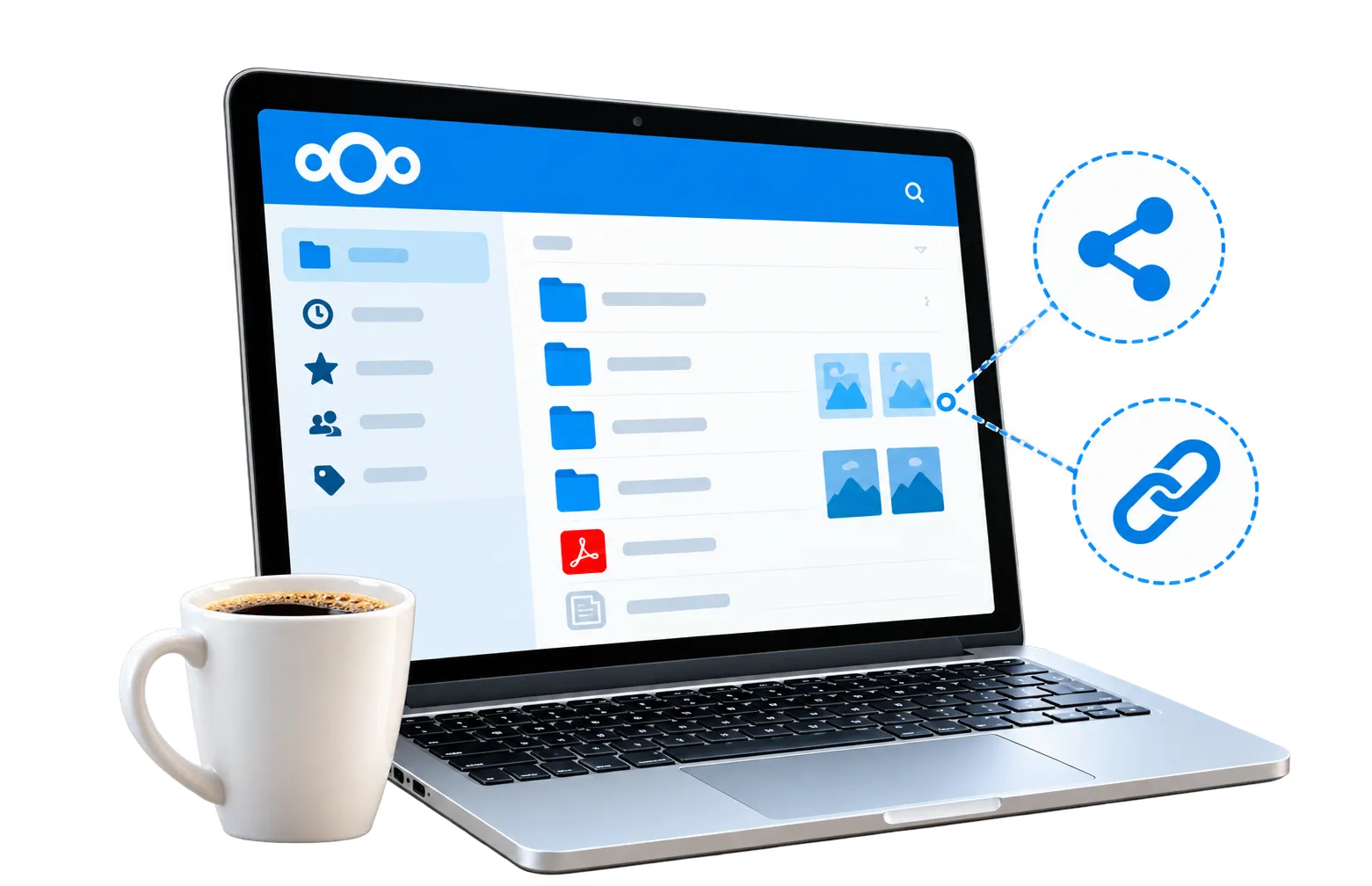
Share an individual photograph or an album folder. Select viewing or contribution permissions, use a password or expiry date where appropriate, and check the link before sending it.

Share a picture or an album folder

Set expiration dates

Control access levels

Invite contributors with suitable permissions

Upload pictures from your phone

Configure uploads to suit your device

Connect the Nextcloud mobile app to your account and configure automatic uploads if you want them. Check that photographs have arrived before deleting originals from your phone.

Read about Nextcloud sync clients

Windows

Mac

Linux

Mobile iOS

Mobile Android

Protect the account behind your albums

Sign-in and file protection options

Use a strong password and enable two-factor authentication. Permafiles includes antivirus protection, while sharing permissions help you manage who can access each collection.

Explore Nextcloud account security

HTTPS/TLS connections

Two‑factor authentication

Brute‑force protection

Daily backups

Create your first online album

Upload a small set of favourites, give the folder a useful name and try a share with someone you trust. Start with 5GB free and explore the controls before moving a larger collection.

Online photo albums: questions answered

What are online photo albums?
plusminus
Can I create online photo albums for free?
plusminus
How do I organise my first album?
plusminus
Can other people add photos to my album?
plusminus
Do recipients need an account to view an album?
plusminus
Are private albums automatically end-to-end encrypted?
plusminus
Can I stop sharing an album?
plusminus
Can I include videos in an online album?
plusminus
How do I keep a copy of my album?
plusminus
Is this a printed photo book service?
plusminus

Need help with your online albums?

Ask about creating a collection, sharing permissions or choosing storage for your photographs. The FAQs also explain how to get started with Nextcloud.

GDPR iconGreen Energy iconISO 27001 icon free Nextcloud account